


Hot App Reviews - Best Free Apps Download & Guides

Install Instagram at No-Cost

WhatsApp Setup

Download and Install YouTube

Effectively Communicate with ChatGPT
 4.8
4.8
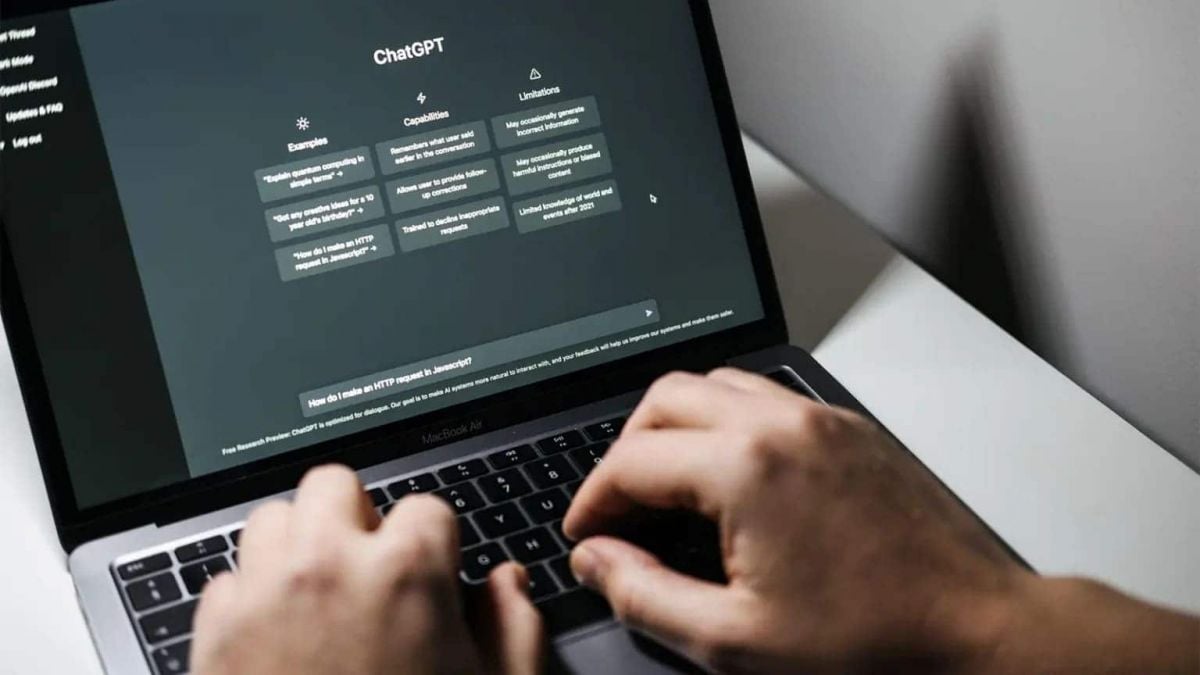
1. Be Clear with Your Questions:When you ask specific questions, it is much easier for ChatGPT to understand what you need. You could skip asking for a general narrative of history like “Tell me about the history”, and instead may ask, “What are the main causes of World War I?”2. Provide Context:If what you are talking about is highly specialized, you may want to provide more background. Technical questions should also mention the tool or programming languages you are using.3. Ask Successively:If you feel overwhelmed by the information you may get, decompose your questions into smaller components and ask successively. You can first introduce a general concept and then go on with the details.4. Give Feedback and Adjust:If ChatGPT’s response is not what you expect, give feedback and ask for further clarification or adjustment of its answer.

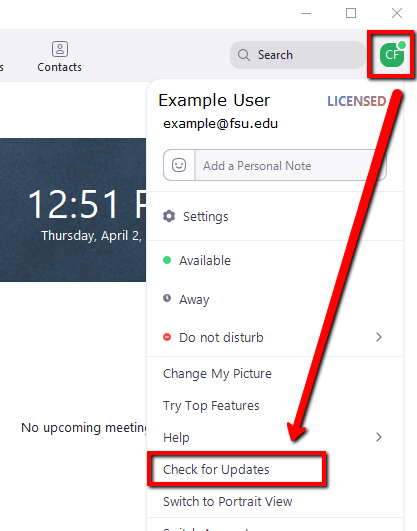
Keep Zoom Up-to-Date
4.7
Regular updates can enhance your Zoom experience and help you avoid potential issues. Here’s a guide on how and when to update Zoom.1. Check for Updates Manually:- Open Zoom desktop client.- Click on your profile picture in the top right corner.- Select “Check for Updates.” If an update is available, follow prompts to download it.2. Automatic Updates: - In settings under “General,” check “Automatically keep my client up to date.” This ensures that updates are applied without manual intervention.3. Mobile Updates: - For mobile users, visit Google Play Store (Android) or App Store (iOS). Search for “Zoom” and tap “Update” if available.4. When to Update:- Regularly check for updates at least once a month or whenever notified by the application about new updates available.- Update before important meetings or events where new features might enhance functionality or security.

Amazon Shopping’s Top Competitors
4.8
1. The emergence of such a powerful alternative is that of Walmart: online shopping combined with the benefit of a wide physical store network. Walmart+ membership benefits like free delivery, in-store shopping with scan and go, and fuel discounts come with the app. It is particularly strong at grocery shopping with same day pickup and delivery options and at competitive prices.2. Target is positioned as a curated shopping experience with a sleek interface and rewards program called Target Circle. The app differentiates itself from other apps with the inclusion of fashionable yet affordable private labels, same-day delivery via Shipt, and Drive Up. Its strength lies in combining fashion, home décor, and everyday essentials with a more refined shopping experience.3. eBay distinguishes itself with both an auction-style and fixed-price listing. The platform excels in unique, secondhand, and collectible items. Key features: image search capability, personalized offers, real-time price alerts, robust messaging system for buyers and sellers to connect. The app does offer authentication services for luxury4. Costco brings the warehouse club experience to mobile shopping, featuring bulk pricing and exclusive benefits for its members. The app features integration with a digital membership card, same-day grocery delivery, pharmacy services, and special online-only deals. While offering fewer products than Amazon, it emphasizes quality and value through carefully curated selections.5. AliExpress specializes in shopping directly from the manufacturer, with very competitive prices. This platform boasts a vast product array, buyer protection, image search, and real-time translation, even though its delivery times are usually longer. Gracie app features include games, coins, and flash deals, among other things that make using this app very entertaining.

Download PayByPhone
4.5
Steps for Android Devices:Android phones or tablets:1. Navigate to the Play Store app on an Android based phone or tablet device that you are using.2. In the search bar, enter PayByPhone. Even more conveniently, visit the downloading page from here directly https://play.google.com/store/apps/details?id=com.paybyphone&hl=en_US.3. Click the app and click “Install.”4. Let it install and open completely.Steps for iOS Devices (iPhone/iPad):1. Open the Apple App Store using your device.2. In the search field, type “PayByPhone Parking.” More straightforwardly, navigate the same result from here https://apps.apple.com/us/app/paybyphone-parking/id448474183.3. Tap “Get” and authenticate if required.4. Allow it to download and install, then launch the application.Steps for PC/Mac Users:1. Open your web browser and go to www.paybyphone.com.2. In the top-right corner, select either “Sign Up” or “Log In.”3. Continue through the prompts to either sign up or recover your stored credentials.4. Bookmark this page for future quick access.You will be asked to make an account afterward with your e-mail address, mobile number, and vehicle information.

FIXD Turns Your Dashboard Nightmare into a One-Sentence Diagnosis
4.6

Fast Transactions Re-imagined Through the Google Pay
4.2
If you’re doing some shopping at a brick-and-mortar shop, pay for all your goods in-store with just a tap of your Android phone or Wear OS by Google smartwatch on an NFC terminal. No more rifling through cards when you could just unlock and pay. On the web, the Google Pay button helps users check out quickly using saved payment methods, reducing time-to-purchase and increasing conversions.Speed never compromises security. Tokenization encrypts real card numbers to become unique codes and device unlocks provide authentication. And with more than 5 million acceptance points and 150 million monthly users, it’s a global leader.

Personalization with TouchTunes
4.9
That personal touch extends to its smart song recommendations and curated playlists that are constantly refreshed with new discoveries, all for you. Outside of your phone, the app connects you to more than 65,000 venues where Lightsync is being used: You can control what's playing remotely, check out the vibe before committing and skip the line with a Fast Pass feature that makes sure your favorite songs get heard quicker. You can earn song credits and boosts the more you play, so you'll continue receiving value throughout your personalized experience.
Maximize Your Canva Design Potential
4.6
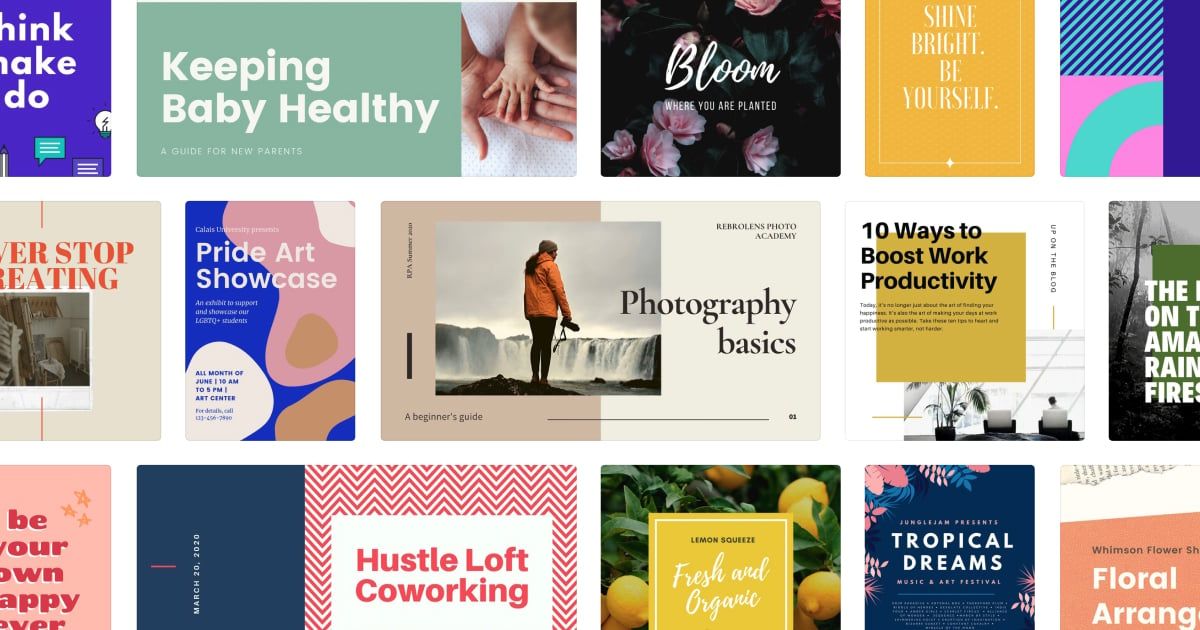
Also don’t ignore the Canva grid and alignment tools. They’re kind of the quiet helpers. Use smart guides and spacing tools to place every element where it actually should be, not “close enough.” And try layering too — like putting transparent shapes on top of photos, stacking text over illustrated backgrounds, or using frames to crop pictures into creative shapes. That can turn a plain layout into something noticeably more polished.Last thing, use collaboration. Invite teammates or clients, let them view and edit in real time, add comments, and suggest changes. It makes feedback rounds faster and more fluid. And if you want fresh momentum, spend some time in Canva’s “Inspiration” area. It keeps getting updated with trending design ideas, so you can steal spark, adapt it, and build something that feels new for your own projects.
Streamline Your Discord Ecosystem
4.7
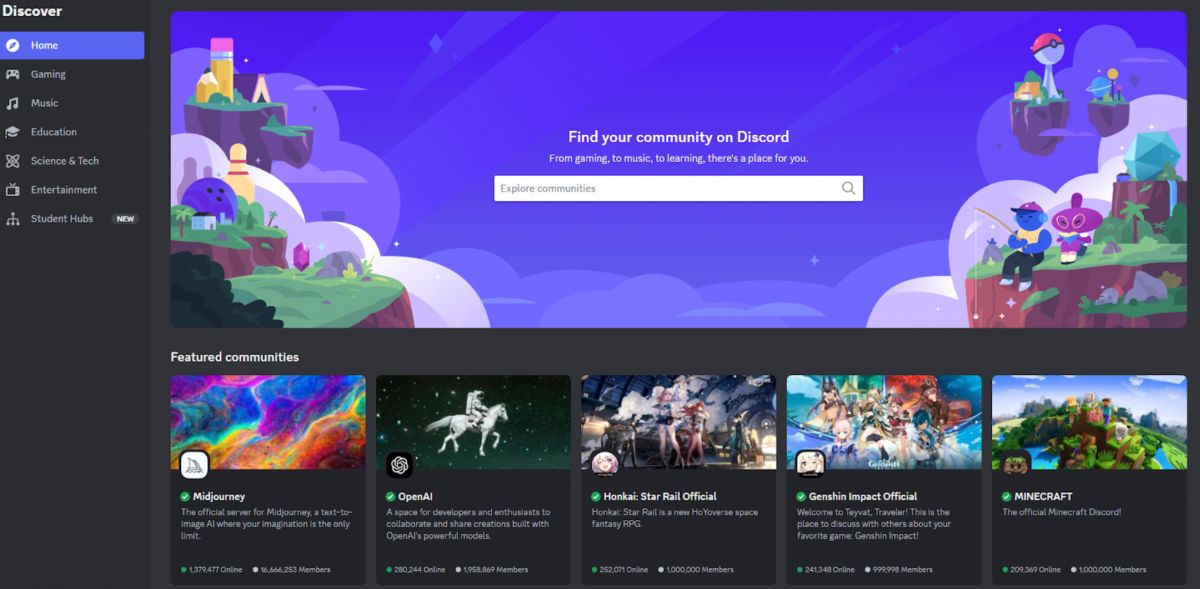
For busy channels where chats can explode, slowmode is your friend. Toss on a 5–10 second delay between messages so you aren’t drowning in spam. Announcement channels? Disable regular posting and only let staff or bots speak so info doesn’t get lost.Integrations and Webhooks enable real-world productivity. Integrate Discord with other apps such as GitHub, Trello, Twitch or even YouTube, which allows activity updates to be posted automatically into predetermined channels. You'll receive notifications on your Discord when a developer sends you a pull request, streams are automatically notifed when it goes live, and you'll know what's going on with your project tasks stream.Not enough people use scheduled events, and that's a shame. You can plan voice hangouts, stage talks, or outside stuff. People can RSVP ahead of time, which pumps up excitement and guarantees a bigger crowd.
Craft a Discord Profile That Stands Out
4.7
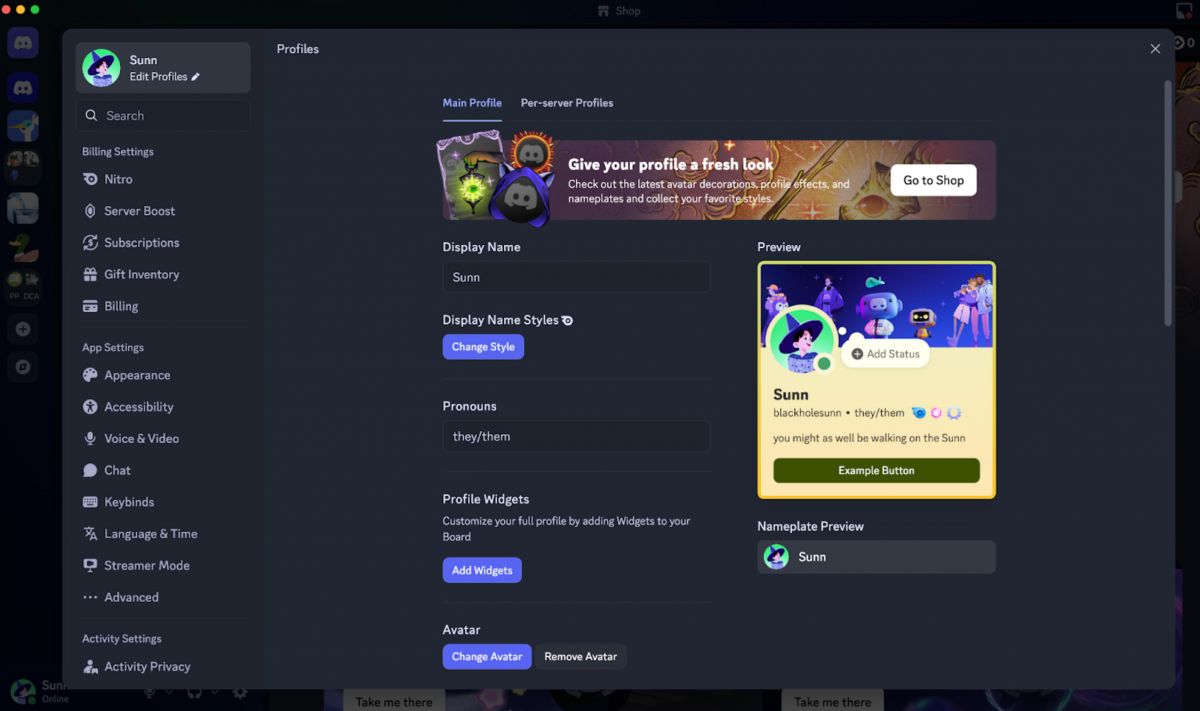
Custom Status Messages enable you to share what you are doing with real time updates. Navigate to a custom status by going to your username at the bottom left, click "Set a custom status" and write whatever you like, from "Deep in ranked matches" to "Do not disturb" — writing deadline. The status also comes with a mood picture and you can even establish it so it will self-wipe following a specified amount of time.There's also rich presence, which uses Discord to track what game, music app, or software you're using, so long as the apps are connected. You're able to switch on or off some of the activities listed under Activity Settings for privacy (but to also be able to see what your friends are up to).Linking outside accounts gives your profile a trust boost. Tie in Spotify, Steam, Twitch, Reddit, or more. Some servers even hand out special roles automatically if you've got certain accounts linked.