


Hot App Reviews - Best Free Apps Download & Guides

Install Instagram at No-Cost

WhatsApp Setup

Download and Install YouTube

Install ChatGPT with No Efforts
 4.8
4.8
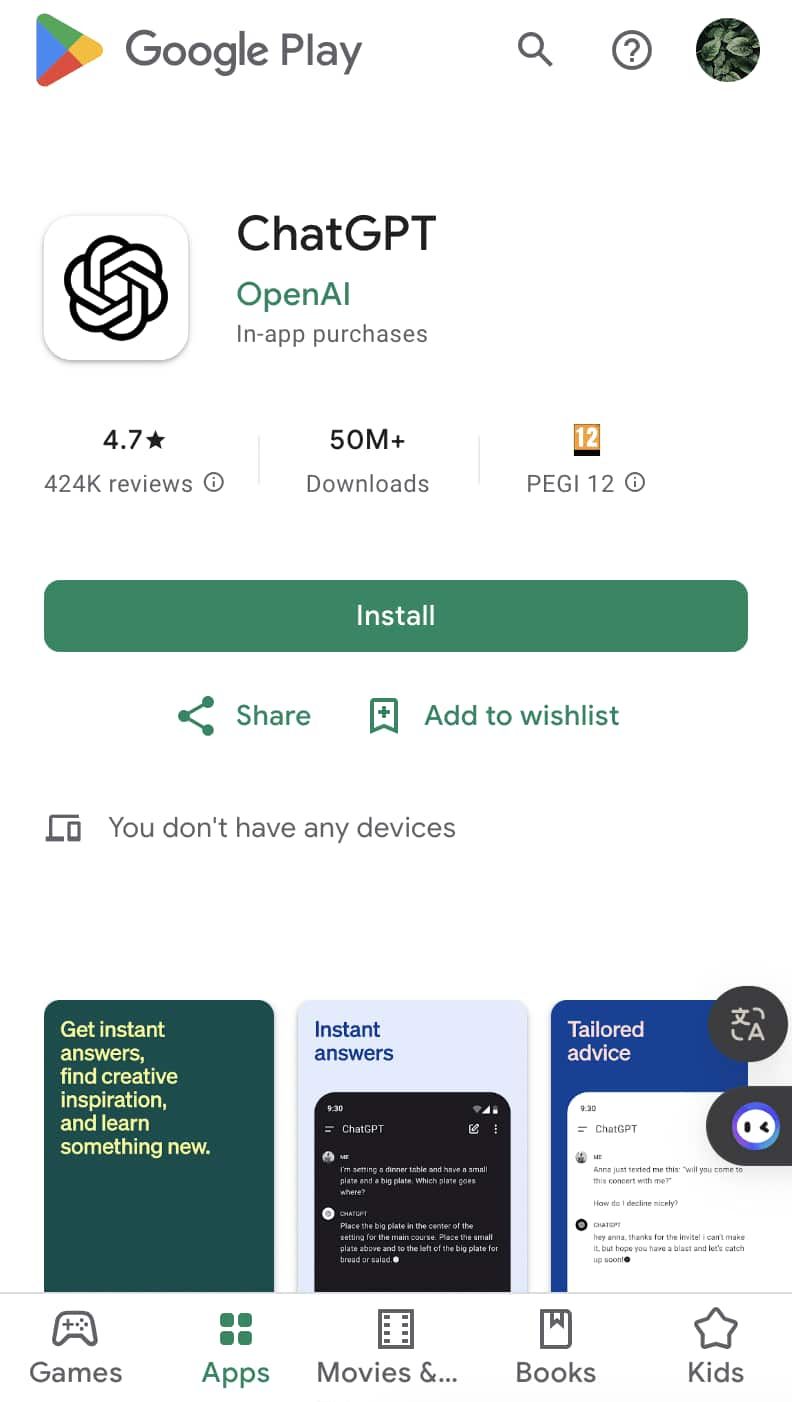
You can install it on your preferred device in just a few easy steps and tap into using this high-powered AI in putting work into anything from the following:ChatGPT Mobile1. For Android users:- Open the Google Play Store.- Type “ChatGPT” into the search bar and search.- Find the official app and click “Install.” Or you can directly visit this page from herehttps://play.google.com/store/apps/details?id=com.openai.chatgpt&hl=en_US.2. For iOS users:- Open the App Store.- Type “ChatGPT” into the search bar and search.- Find the official app, click “Get,” and install it. Even more directly, this step can be led to you from here https://apps.apple.com/us/app/chatgpt/id6448311069.ChatGPT PC- Visit the OpenAI official website here https://openai.com.- Locate the link to ChatGPT on the homepage and click to enter.- Register or log in to your OpenAI account.- Use the web version directly in your browser without needing to download any software.

Ensure Privacy During Using Zoom
4.7
Privacy Tips1. Always enable an automatic ID and create passwords for your meetings to prevent unauthorized access.2. Enable waiting rooms lets hosts screen participants before they join the meeting, adding an extra layer of security.3. Set screen sharing options so that only hosts can share their screens unless permission is granted to others.4. Limit chat functions during meetings by allowing participants to chat only with hosts if necessary.5. Limit what information is publicly visible in your profile.

Create Your Channel in Telegram
4.0
Telegram makes it easy to create a channel, and it provides additional features for managing and growing your audience. Here’s how to set up your own Telegram channel.1. Open Telegram and click the menu icon: three horizontal lines.2. Among the options appearing, click New Channel.3. Name your channel, and an optional description for the purpose can be given.4. Decide if you want the channel to be public, where everyone can find it, or a private one, where only invited members will join.5. If public, send the link so it’s easy to join; if private, share invite links only with invited individuals.6. Having made all your preferences in the channel, tap Create and optionally add members.


Download No Cost Play Store
4.8
How to Get ItFor Android Devices1. Pre-installed Access: Many Android devices come pre-installed with Play Store. You just open the app and sign in using a Google account to get started.2. Manual Installation: If the application isn’t available, download the APK file from a trusted source. After that, go into Settings > Security > Unknown Sources, and click the toggle to enable installation of third-party apps not on Play Store. Then, open the installed APK file.For PCsWeb Access: Fire up any browser and head to Play Store’s official address, http://play.google.com, where you can log in and then remotely manage apps as well as send downloads to connected devices.For iOS DevicesSadly, Play Store is not natively available for iOS because Apple has its own App Store. But yes, you can access a few Google services by downloading separate Google apps from the App Store.Exclusive Features Play Store Offers1. Google Play Protect: This feature scans apps for malware and harmful behavior, keeping the users safe.2. Library: Sharing bought applications with family.3. Personalized Recommendations: The store suggests applications based on users’ preferences and previous downloads.

Report Lost or Stolen Cards
4.9
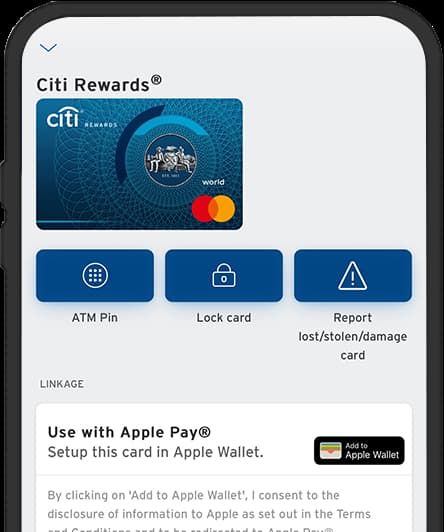
1. Log into Your Citi Mobile: Open the application on your device and securely insert your log-in credentials.2. Access Service Requests: Scroll down the menu in search of card services or security settings.3. Choose ‘Report Lost/Stolen Card’: Choose this option as it will lead you to the simple and quick way through which you can report the lost card.4. Follow On-Screen Instructions: After that, the application will input you with several questions that are somehow relevant to your case; answer them truthfully.5. Replacement Options: Select whether you need a new card immediately, or you temporarily lock your card for now as you will further investigate the whereabouts of the card.6. Finish Reporting Process: Confirm and add other information that may be requested by the application. This may also include personal detail verification for verification purposes.7. Monitor Your Account Activity: After reporting lost cards, monitor account activity through Citi Mobile for unauthorized transactions.

Qu'est-ce que Waze et pourquoi l'utiliser?
4.6
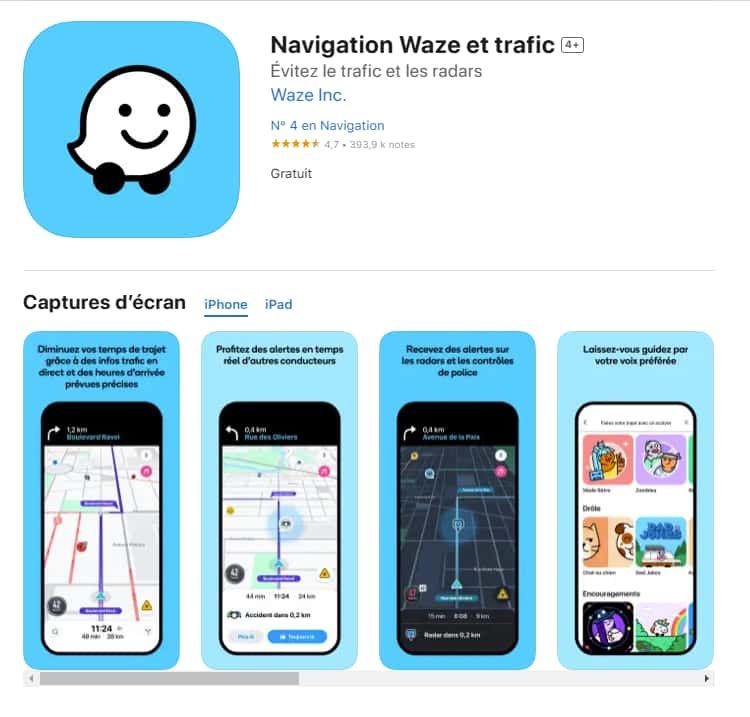
Trafic en temps réel :Waze analyse les conditions de circulation grâce aux données partagées par ses utilisateurs.Alertes communautaires :Recevez des signalements sur les accidents, radars, travaux ou tout autre obstacle.Gain de temps :Waze recalculera instantanément votre itinéraire pour éviter les bouchons et vous faire gagner du temps.Personnalisation :Vous pouvez ajuster vos préférences de navigation, choisir des itinéraires spécifiques ou personnaliser la voix de guidage.


Comment télécharger et installer Waze?
4.6
Pour les utilisateurs iOS :1.Accédez à l’App Store.2.Tapez « Waze – GPS et Trafic » dans la barre de recherche.3.Cliquez sur Obtenir pour lancer l'installation. Ou vous pouvez cliquer directement sur le lien: https://apps.apple.com/fr/app/navigation-waze-et-trafic/id3232291064.Une fois l’installation terminée, ouvrez Waze et configurez votre compte.

Comment mettre à jour l'application Waze?
4.6
Sur Android :Ouvrez le Google Play Store.Accédez à « Mes applications et jeux ».Cherchez Waze dans la liste des applications installées.Cliquez sur Mettre à jour, si une mise à jour est disponible.

Discover Nature's Secrets with Plantum's Precision Plant ID
4
For botanists and fans of nature alike, it's easy to take a picture and have the relevant data on the potted plant that you like dumped right in your lap. Things like its botanical name and habitat, considerations for how to care after it and Potential area of application are all described by Plantum. These details together make an integrated picture to further enrich your appreciation and understanding of the broader world we live in.What elevates Plantum above the competition is its continuous pursuit of learning and improvement, a promise that its identification capability will keep pace with the leading edge in technological innovation. Never before has it been so precise and satisfying to explore and identify plants with Plantum.High-precision identification with Plantum. A For such advanced software, which uses artificial intelligence to identify plants, even a smart phone becomes a powerful botanical tool.Now you can capture images of plants and discover detailed information--including classification by species, habitat information, and notes on ecological significance, with unmatched precision. It is a particularly valuable resource for both home gardening and teaching, and an invaluable tool for those who love nature but do not have that love extended vegetablegrower.The precision of Plantum is unmatched in sophistication and ease of use alike, it must be counted as a uniquely accurate and informative guide for the future exploration of the manifold varieties and complexities that comprise plant life. Let's move ahead together, then, into this new world with Plantum.

Explore the Treasures of Showa Enka with High-Performance Search
4.3
It's the high-performance search function which really makes this app so special. You can move through the rich audio library by artist name, song title or even lyrics, so as feel at home with a few taps of course. Search results are instantly available after demand made. And the intuitive design ensures that finding these great songs n a moment's notice does not require any effort at all once done correctly. Its interface responses quickly, making every single moment spent savoring these pieces an immediate pleasure.Whether reminiscing or coming afresh to the flavor of Showa enka music, this app will take users on a unique musical journey.The new Japanese software Showau is a gold mine for people who appreciate Showa-era enka. By offering a whopping 2,000 free tracks, its goal is to re-create the atmosphere of those years. Users can enjoy themselves in decant beautiful melodies and songs which tug at the heartstrings, characteristics that make up Japan's showa-style popular music.At its nucleus, the high-speed search engine is what makes this app tick. Its design is light yet it maintains both speed and accuracy. Users are able to quickly find specific songs or artists from the huge bookshelf with this engine.By virtue of its integrated search feature and huge musical catalog, this Showa enka app is a must-get if you want to find yourself getting deep into the prime of Japanese music.