


Grammarly Apps - Free Download & Official Reviews

Grammarly
 4.7
4.7
Grammarly is a digital writing companion that can't be surpassed to improve communication across devices and platforms. In addition to basic spelling and grammar checks, it provides advanced grammar corrections, tone adjustments and even uses AI to suggest phrased corrections. From the professional email to the academic paper or even a casual message, this excellent tool ensures that you are sure to sound clear, assertive, and correct.
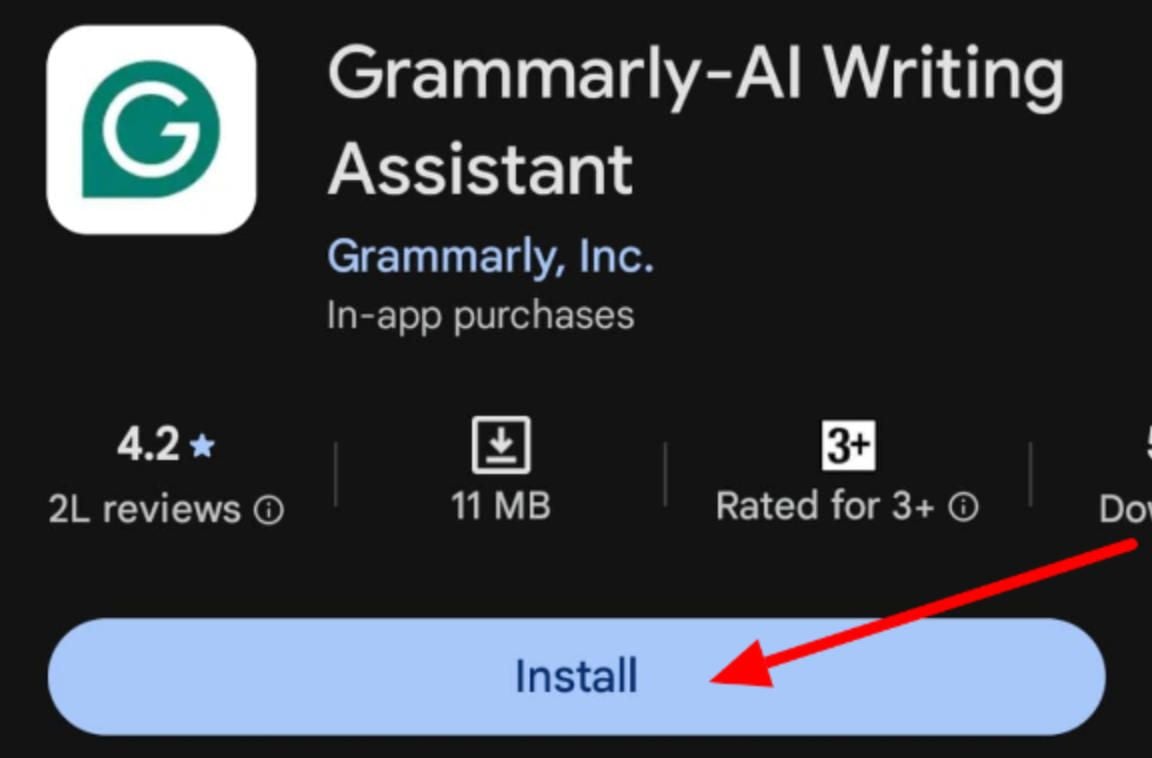
Equip Your Mobile Device With Grammarly
4.7
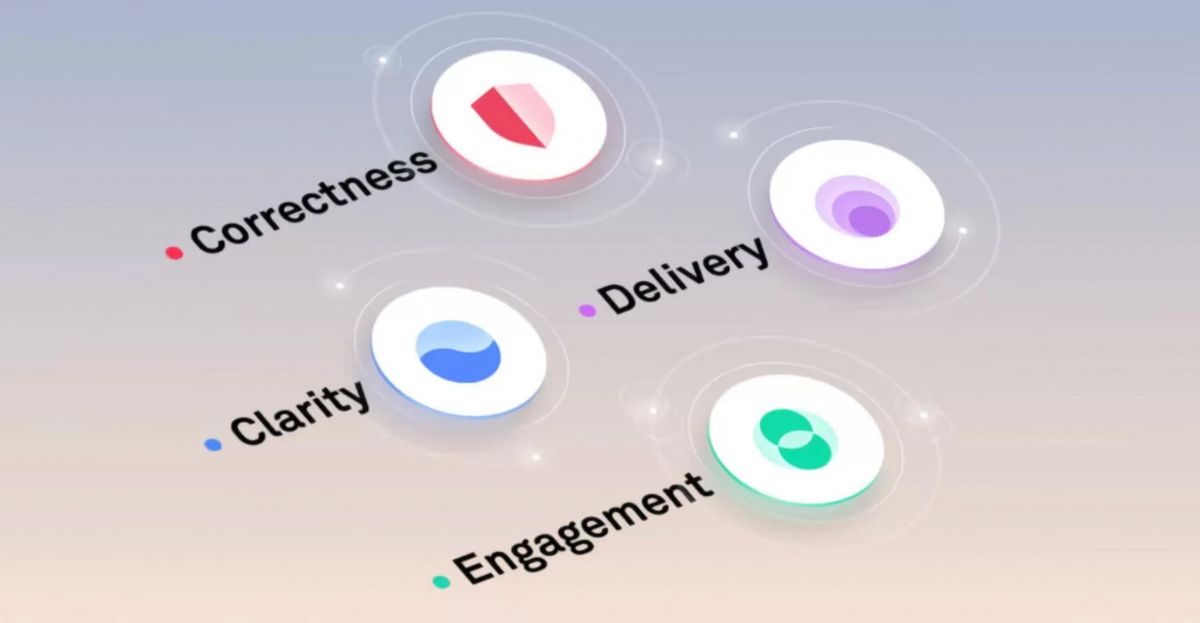
Transform Rough Drafts Into Flawless Masterpieces with Grammarly
4.7
One of the most undervalued features is the Goals tab at the top of the Grammarly Editor. These settings for your intended audience (general, expert, knowledgeable), formality (informal, neutral, formal), domain (academic, business, creative), and tone (informative, convincing, descriptive) are for your consideration. If you set these options before writing, Grammarly adjusts each of its suggestions to the context of your text. Grammarly adapts to the type of language needed for your blog post or legal brief.In the case of documents that are longer, you can monitor performance and other statistics of the document in the right side panel of the editor - Performance Score and Writing Statistics. These metrics split up your text into its readability, vocabulary diversity, sentence length distribution, and tone detection. Reliable reading ease and a good range of sentence structure typically means good and clear writing. A good indicator to simplify is if the average sentence exceeds 25–30 words.Academic writers and content creators will find the Plagiarism Checker (in Grammarly Premium) to be a priceless asset. Check work before submitting to make sure it is original and that there are no accidental similarities with published sources.
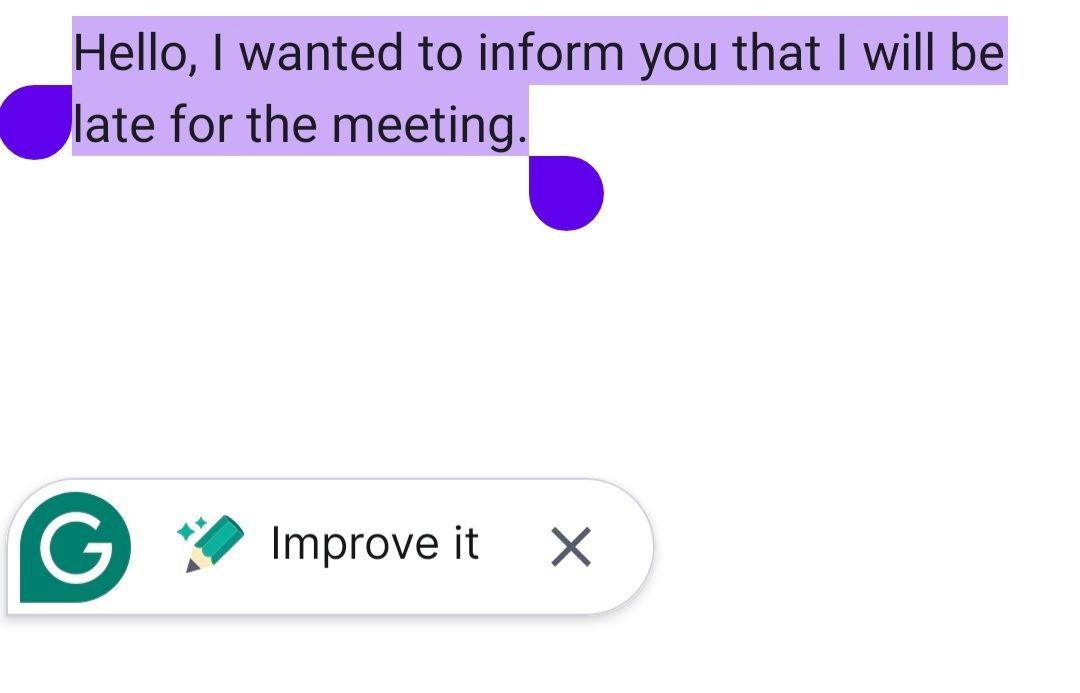
Unlock Grammarly’s Generative AI Capabilities
4.7
After you already have a draft in place, the AI switches roles and becomes this fast revision engine. Select the entire paragraph which appears awkward or poorly structured, and click the AI rewrite options. You can trigger the artificial intelligence's ability and ask it to summarise the text in bullet point format, elaborate on a short idea to add missing detail and even convert the tone to more confident, caring, and persuasive. That on demand rewriting thing cuts down the time you spend staring at sentence structure like it personally offended you.Also, you can have the AI chew through information at speed. If you get a long email or a document, it can read it and instantly produce a tight summary of key takeaways plus action items. Sometimes it can even suggest quick replies that fit the context of what the sender actually wrote. So by mixing real time generative writing with instant text analysis, those AI tools help you bulldoze writer’s block, and they make digital communication feel way faster and more usable, overall.
Integrate Grammarly With Your Website or App
4.7
Implementation is as easy as typing a small piece of code into the header of your application and enveloping your desired text input segments with the Grammarly HTML tags that are proprietary to their system. The developer dashboard provides step by step documentation and ready made code snippets, so you can move quicker. On top of that, the SDK includes lots of customization options, you can enable or disable specific checking categories, adjust underline visuals to match your brand, and view usage analytics. And when you embed this automated proofreading functionality into your interface, it helps users write cleanly, which boosts the overall quality of the content they submit across the platform.
How to Keep Grammarly Running at Its Best
4.7
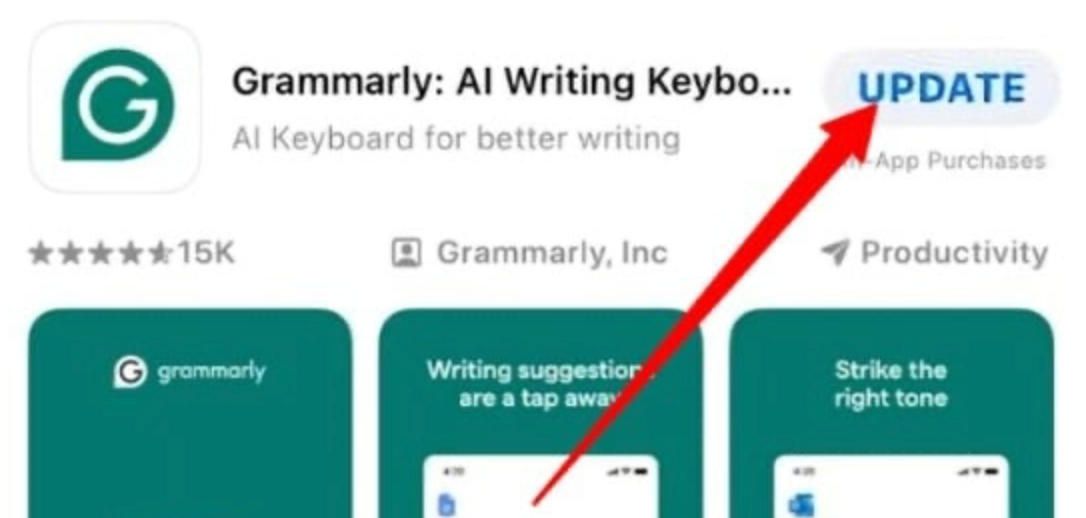
On Android:- Open the Google Play Store and tap your profile icon in the top-right corner.- Select Manage apps & device, then tap the Updates available tab.- Locate Grammarly and tap Update, or tap Update all to refresh all pending apps simultaneously.- To set Grammarly to update automatically, open its Play Store page, tap the three-dot menu in the top-right, and select Enable auto-update.- You can also set all apps to auto-update under Play Store Settings > Network preferences > Auto-update apps.For the browser extension (Chrome, Firefox, Edge, Safari):- Chrome and Edge extensions update automatically in the background. To force an immediate update, go to chrome://extensions, enable Developer mode, and click Update.- In Firefox, go to Add-ons and themes > Extensions, click the gear icon, and select Check for Updates.- Safari extension updates arrive through System Preferences > Software Update on macOS.

Make Your NBA Experience Personal
4.2
Personalization Steps:1. Open the App: Open NBA on your phone.2. Sign in with NBA ID: Click on the profile icon and sign in using your NBA ID.3. Add Teams and Players: Visit the settings or profile tab. Select “Add Teams” or “Add Players” to personalize your feed.4. Customize Notifications: Turn on notifications for particular players or teams.

Keep Temu Always Up-to-Date
4.4
Update Methods1. Auto Updates: For both Android and iOS, select “App Updates” in your device settings to update your Temu application automatically whenever a newer version is released.2. Manual Update: Go to the Play Store for Android or the App Store for iOS, search for “Temu,” and if it says that an update is available, just tap on “Update”.3. Desktop Version: Since Temu is web-based on PC browsers, the updates are automatically done. You just have to refresh the page to experience the new features.