


Hot App Reviews - Best Free Apps Download & Guides

Install Instagram at No-Cost

WhatsApp Setup

Download and Install YouTube

How to Become Verified on Twitter
 4.6
4.6
How to Increase Your Verification ChancesVerification Eligibility Criteria1. You need to pay for Twitter’s premium service, which is around $8 per month to get verified.2. Make sure your profile includes a display name, profile picture and bio that best represents you or your brand.3. Your account should be active with at least one tweet or retweet within the last 30 days.4. Your account must be at least 90 days old to apply for verification.5. Your profile information must not be deceptive or untrue; recent changes may affect qualifications.Steps to Apply for Verification1. Log in to your Twitter account. Click on Settings.2. Search for the verification request in account settings.3. Fill in the necessary information for your profile and submit the application.

Ensure Security During Using PayByPhone
4.5
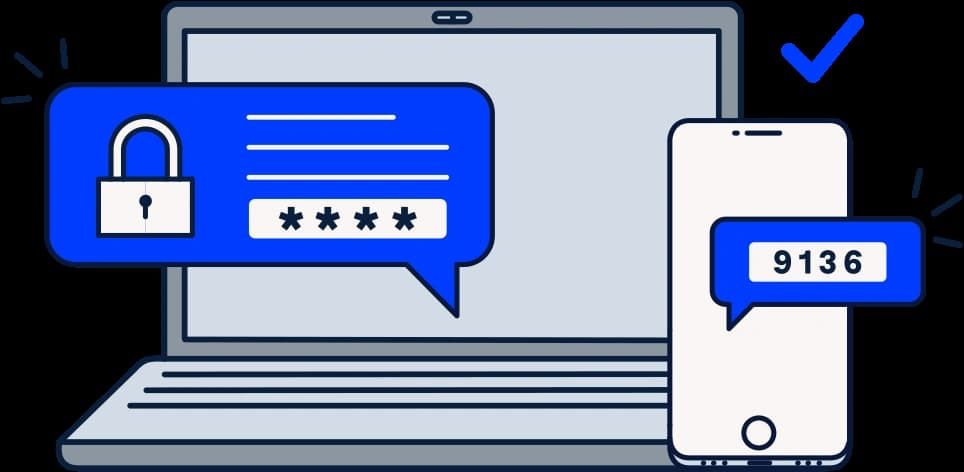
Steps to Safeguard Your PayByPhone Account1. Ensure that password is unique and that it has both letters, numbers and symbols.2. Should allow for two factor security for example using a pin and a fingerprint.3. Avoid using public Wi-Fi when accessing the app.4. Periodically check your account activity to detect any suspicious behavior.Additional Safety Tips:1. Keep your app updated for security updates.2. Employ trusted antivirus on your device.3. Always log out from the application after every session, especially when you use shared devices.4. If you suspect unauthorized access, contact PayByPhone support with immediate effect.

Update Zelle Across Devices
4.5
Update on Mobile (Android & iOS)1. Automatic UpdatesAndroid: Open your profile icon in the Google Play Store, enter “Manage apps & device,” and turn on “Update automatically.”iOS: Under Settings, locate “App Store” and activate “App Updates.”2. Manually UpdatingAndroid: Look for the Google Play Store or your bank using the search key and update from there, IF available.iOS: In the App Store, tap your profile icon, scroll to see pending updates, and tap Update next to your banking app or Zelle.Update via Online Portal of BankIf you access Zelle through your bank’s online portal, most of the updates happen from the server side by the bank, and you will have nothing in particular to do to keep Zelle updated. Be sure, however, that your browser is updated, as this will ensure the best and most secure user experience.

Travel Without Limits with Google Translation
4.3
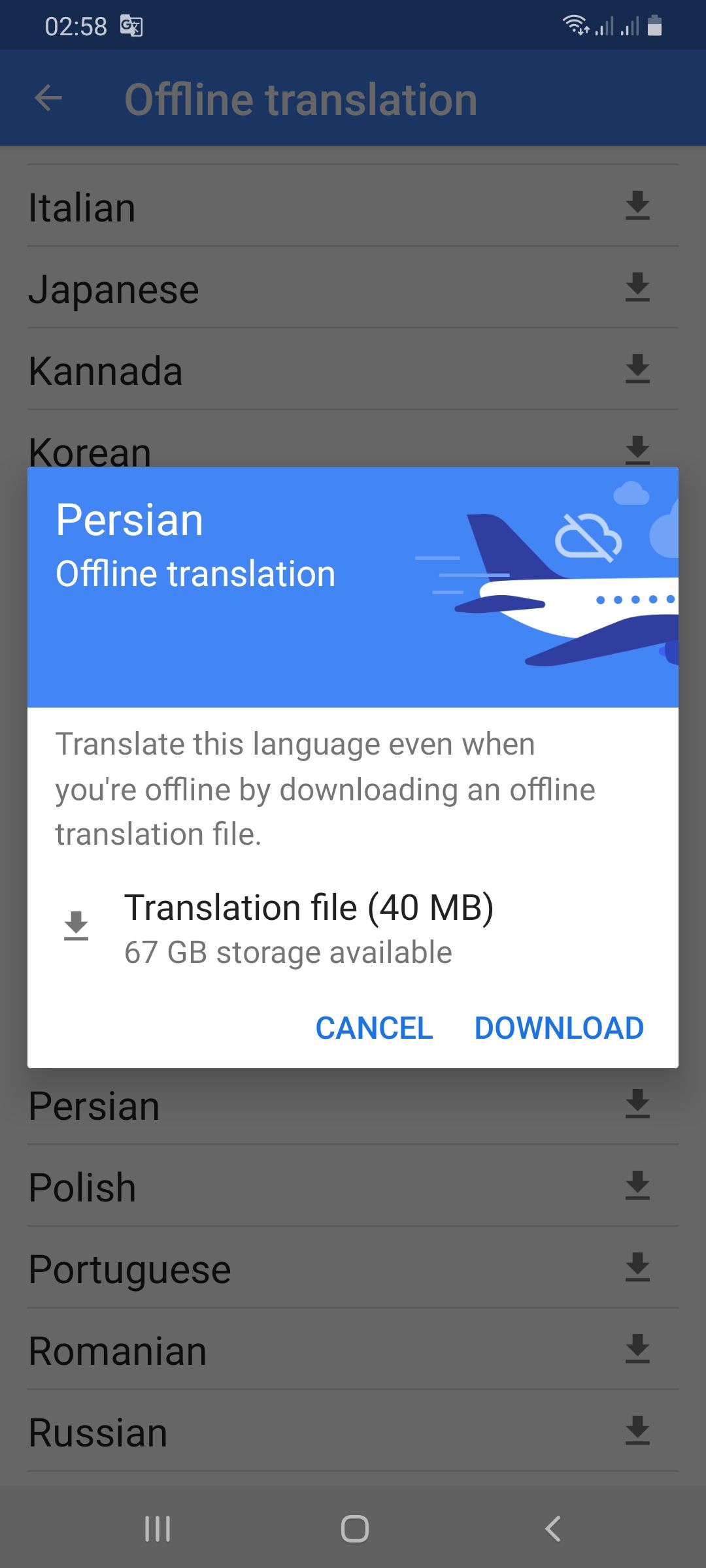
Setting Up Offline Translation:1. Open Google Translate.2. Press the three lines on the top-left.3. Select “Offline Translation.”4. Press the list of languages shown. Press the download symbol next to the languages you need.5. Let each of the chosen language packs download.Using It on the Go:1. Open Google Translate and select the language from and to which you would like to translate.2. Type, paste, or dictate your message into the application.3. Translations will be provided by the application with no need for an internet connection.Offline Capabilities Provided:- Camera Translation: While not all features can be accessed offline, some languages allow text input through the camera to be translated offline without any need for the internet.- Text Input: Manual text entry is still entirely accessible offline.Best Practices:- Download all language packs required prior to your trip. Each pack will take approximately 30-50 MB of space.- Offline translation will not be possible if your phone lacks sufficient battery power.

Live Communication with Google Translate Interpretation
4.3
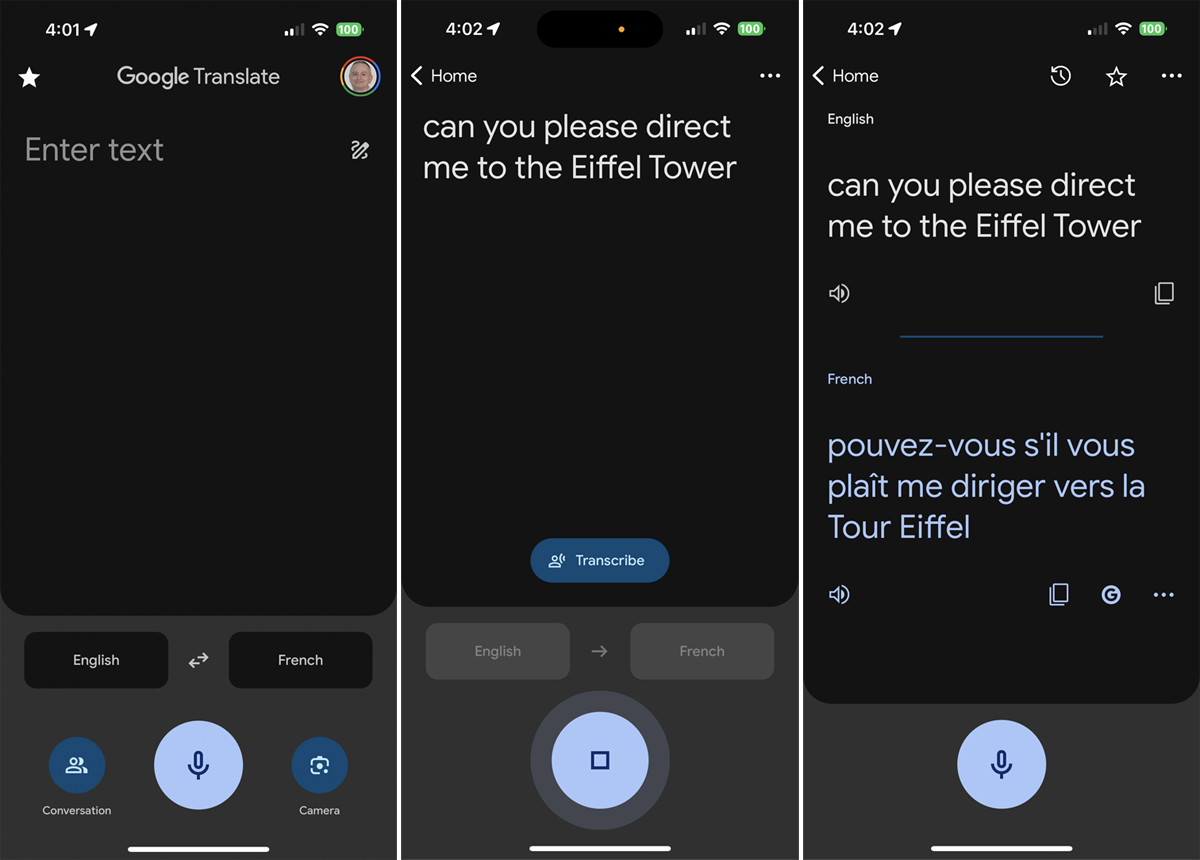
Setting Up the Interpreter Mode:1. Open Google Translate.2. Tap “Conversations” from the bottom menu.3. Choose the languages for both speakers.4. The app will show automatically which language is being spoken and will translate it real-time.How It Works:- Person A speaks in his own language. The app identifies and translates his words by voice and display in Person B’s language.- Person B responds in their language, and Google Translate translates their response for Person A.Successful Simulations Secrets:- Speak clearly with minimal background noise.- Use short sentences or phrases for greater accuracy.- Have both speakers held near the microphone.

Explore the Power of FIXD Premium
4.6
The real value of FIXD Premium is the ability for it to provide you with personalized knowledge as well as product offerings & savings based on professional automotive expertise. Unlimited calls to our mechanic hotline with ASE-certified experts so you can get a second opinion on repairs and that advice if you're a DIYer. In addition, it offers market-based repair cost estimates cut by the accounts of actual shops in your area, but never in excess of the estimates and is basically a toggle setting for how fresh the rate data is to be used. All of this adds up to car owners who have the information they need whether they're doing a job themselves or having it done by a professional.But beyond diagnosis, the service improves preventative car care. It provides comprehensive vehicle history reports and other advance monitoring features which can lead to better health of your vehicle in the long run and possibly free you from those expensive future repair bills. FIXD Premium is a combination of great value from our original sensor and brand-new insight that comes with pairing the sensor to your powerful, always-available automotive advisor: making sense of all those random dash board lights and saving you time and money in what can often be an expensive ordeal.

Extend Your Parking Session Remotely
3.5
You may check the time remaining on your session's countdown timer from the app home screen, while your parking is live. And to buy yourself more time, scroll down to “Active Session”and hit “Session Options.”Then tap “Extend”when the option appears and select how long you need to extend it by.Or if you allow notifications, the app will remind you when your parking session is about to expire. This notation keeps it in your face to add more time. When it prompts you, just tap “Yes,”and you’ll be directed to the extension payment screen. Keep in mind that you cannot go beyond the maximum time a parking zone is active, so extend will not be available at times.

Get Free Music Credits with TouchTunes
4.9
The main benefit is the rewarding system of the app.You can gain credits by performing other in-app activities and promotions. These credits are essential to access more of the music that you love. What is more, frequent use (such as logging in daily) can be rewarded with a variety of rewards that apply ongoing benefits just for continuing to actively engage. The app frequently holds promotions and challenges — including opportunities to hit certain play milestones or to play during holiday seasons — in exchange for rewards and limited-time goodies you can collect.

Share Weather to Every Social Network You Own
4.3
This robust integration will keep your network up-to-date and ready. Send your hiking group a screen grab of an approaching rainfront, or post a live radar loop to alert neighbors about that brewing thunderstorm. They can even create collaborative weather boards, which allow communities to collaborate on crowd-sourced observations and respond more nimbly to changing conditions.The collaboration of meteorology and social connectivity, WeatherWise.appbaseson Weather tracking as a solo activity and creating it into a collaborative, community experience. Keep in touch, be well and let your network ride out the storm with you — one click at a time.

Identify Plants and Diagnose Diseases Instantly
4.3
These include tailored reminders for when to water, fertilize, and report your plants, all adjusted according to each plant's particular requirements and the time of year.To help you use just the right amount of water on your flowers and shrubs there is a unique water calculator, and weather alerts also mean that you can shield your plants from environmental assaults.For those who grow such plants, Blossom offers special ways, calendars and guides for planting.Also, a built-in AI botanist can answer any questions one may have 24/7 if they are stuck making sense of their plant care queries or problems.By implementing precise ID, disease diagnosis and all-in-one maintenance tools, the blossom system equips beginners and experienced gardeners alike to care for their plants. Combining an attractive interface with scientific grounding, it is surely the best digital companion every plant parent can have.